Xcode Debugging Tips
Changing interface properties during a debugging session, without rebuilding your app.
From the archive: first published in 2017. The tools and features described reflect that time.
Xcode debugging is a handy feature while coding. In the number of the Xcode debugging features, there is a useful one I have recently discovered to use effectively.
As we know, we can easily print all variables in the debugging session variable list.
For example:
po anArray
po aString
po evenViewObjects
As I write in the examples, we can print all kinds of view objects inherited from UIView objects. What if we should change the property of a view object? For example text of UILabel.
Let’s look at what we should write for this. You can download the basic project here to test yourself.
Here is the initial screen of the app, we are going to change the text property of the label(aLabel) and the backgroundColor property of the button(aButton):

The initial state of the app
This is what we see when we debug the app and print the aLabel:

Printing text property:

And changing it:

And boom! We have just changed the text here without re-build and re-run:
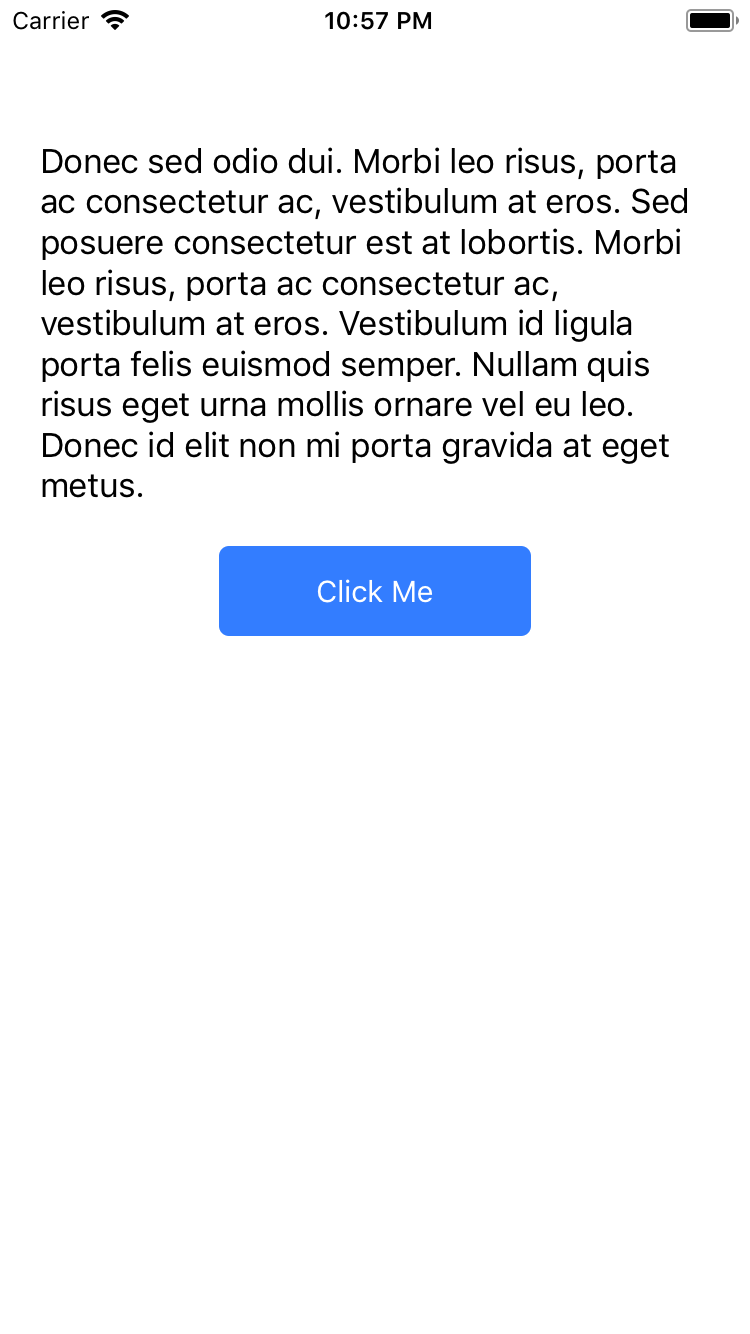
After changing the text of the label
Let’s print the aButton:

Then print the backgroundColor property of aButton:

And changing it to redColor:

Boom! We have changed the background color of the button from blue to red:
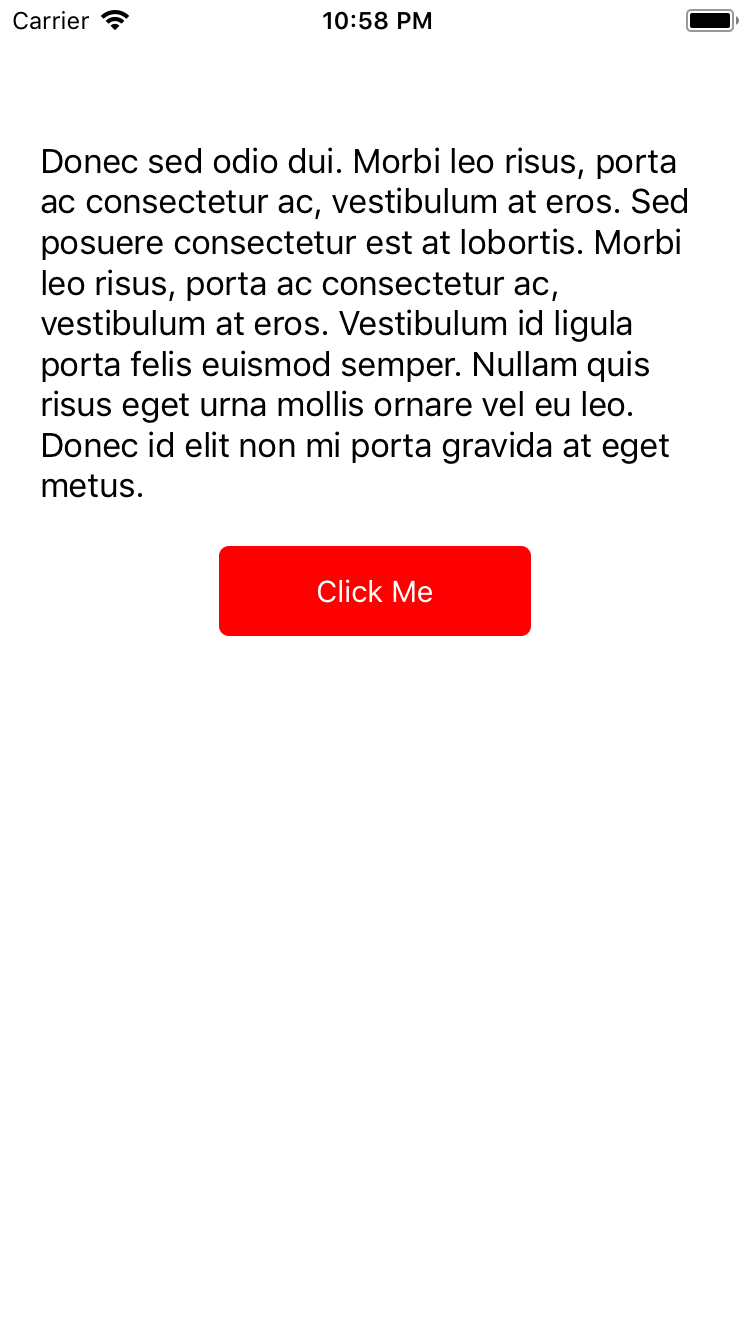
After changing the background color of the button
Here as you see, we can easily debug and change a property of a UIView object in debugging. With this, we don’t have to re-build and re-run again and again for minimal changes.